Never Miss Another Student Message
Unite all your communication channels in one intelligent inbox. Manage emails, texts, live chats, and social messages collaboratively while ensuring every inquiry gets the right response from the right team.
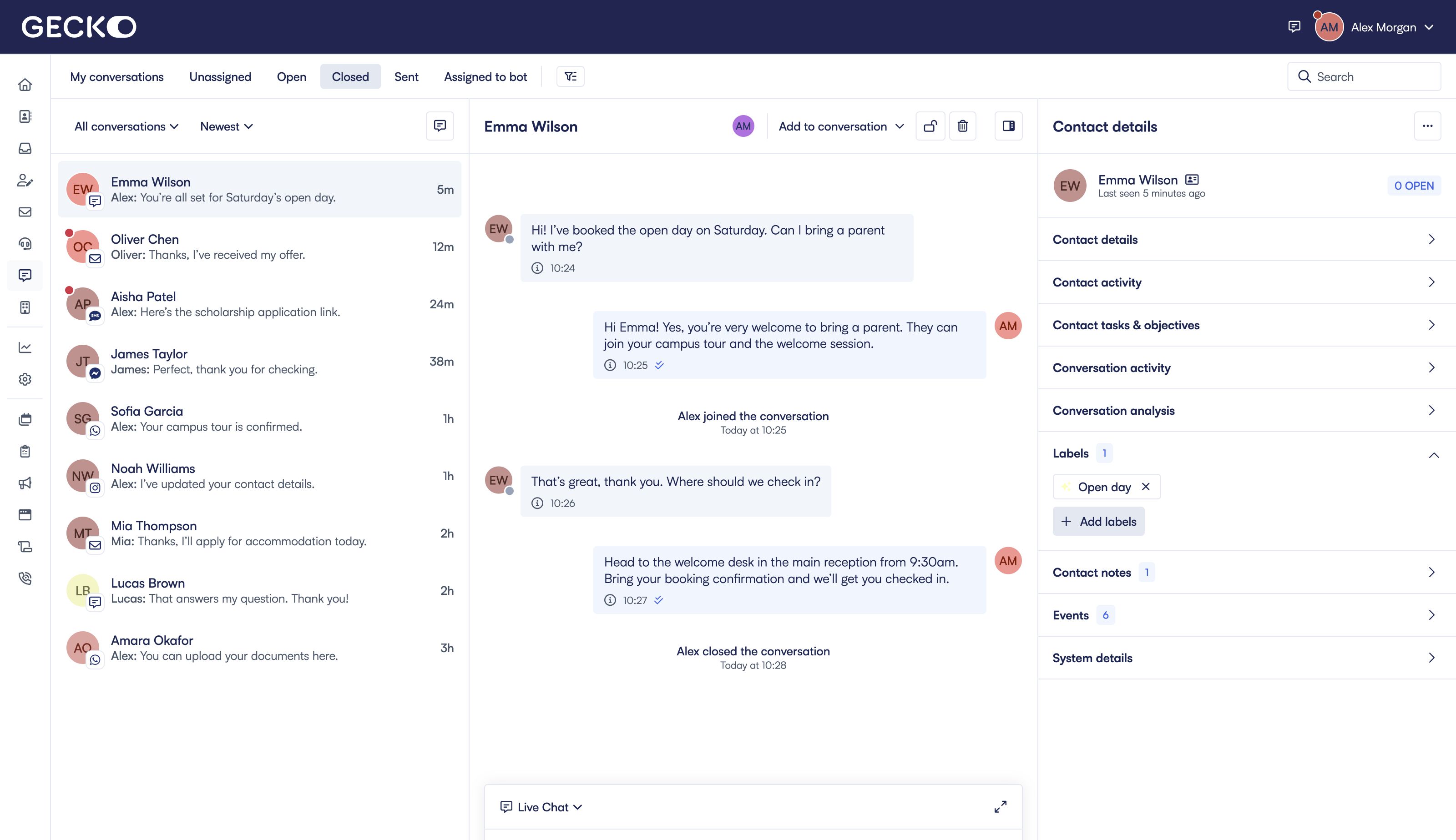
All channels, one inbox
Email, text, live chat, Facebook, WhatsApp, Instagram—manage everything in one place.
Smart team routing
Automatically route messages to the right department based on content and context.
AI-powered efficiency
AI suggests responses, tags conversations, and keeps humans in the loop.
Messages falling through the cracks?
Here's what we're hearing from partners about managing multi-channel communications.
Missed messages
Important inquiries lost in email, overlooked texts, or unseen social messages.
Team silos
Different departments using different tools with no visibility across teams.
Channel switching
Staff constantly jumping between email, SMS platforms, and social media accounts.
AI blind spots
No visibility into what your chatbot is saying to students.
Slow responses
Time wasted figuring out who should handle what message.
Lost context
Agents lacking student history and CRM data when responding.
Every Channel in One Collaborative Space
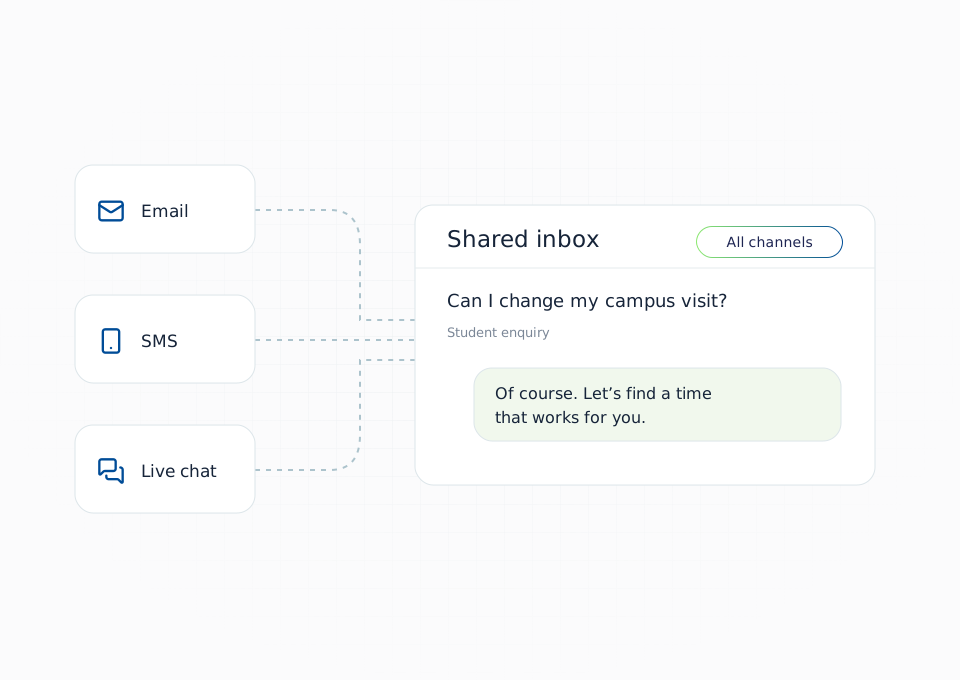
Stop switching between platforms. Our shared inbox brings together all communication channels so nothing falls through the cracks and teams can collaborate seamlessly.
Email Integration
Connect multiple email addresses and manage them alongside other channels.
Text & Live Chat
Handle SMS messages and website chat conversations in the same interface.
Social Channels
Manage Facebook Messenger, WhatsApp, and Instagram DMs without leaving the platform.
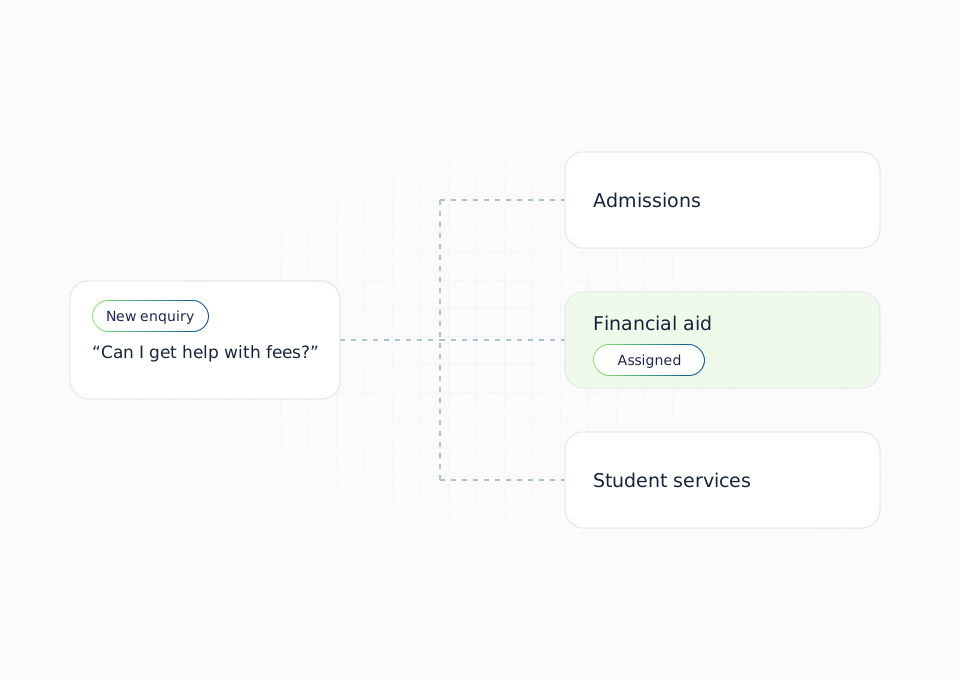
Right Message to the Right Team, Every Time
Intelligent routing ensures inquiries reach the appropriate department instantly. Multiple teams work from one platform with appropriate access controls and visibility.
Department Routing
Route to admissions, financial aid, or other teams based on message content.
Team Access Controls
Teams see only their relevant conversations while maintaining platform unity.
Collaborative Tools
Internal notes, transfers, and team chat keep everyone aligned.
AI-Powered Context for Every Conversation
Enhance your team with AI assistance and complete student context. Get response suggestions, conversation summaries, CRM data, and full visibility into AI interactions—all in one view.
AI Response Suggestions
Get instant answer suggestions based on your knowledge base and conversation history.
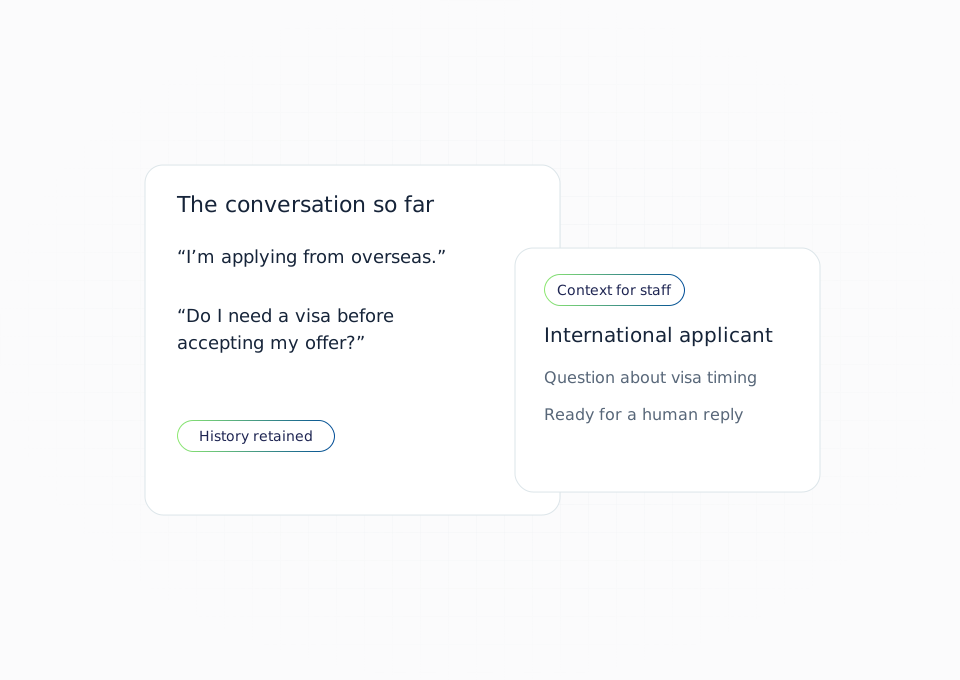
Complete Student Context
View CRM data, interaction history, and custom fields alongside conversations.
AI Transparency & Summaries
Monitor all AI interactions and get automatic conversation summaries.
Work From Anywhere, Measure Everything
Stay connected with mobile apps and make data-driven decisions with comprehensive analytics.
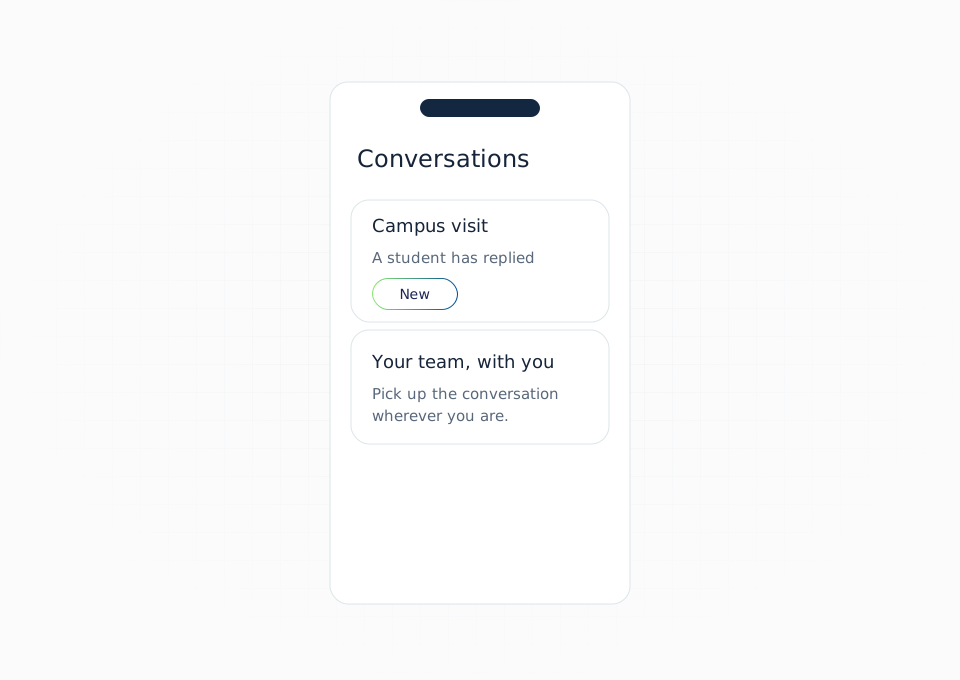
Mobile Friendly
Our mobile friendly UI lets your team respond from anywhere, anytime.
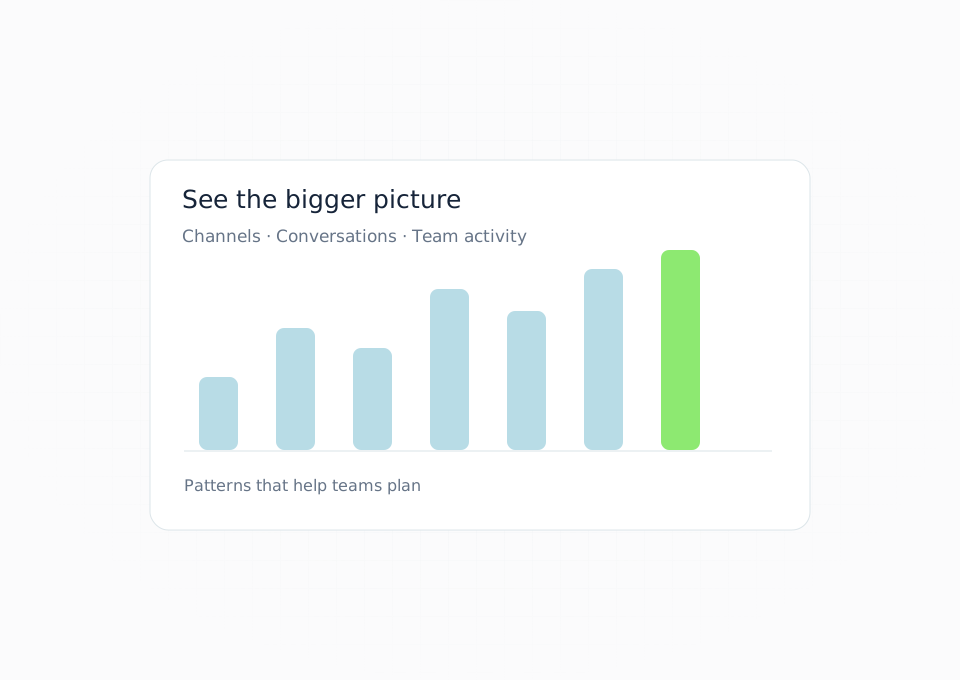
Conversation Analytics
Track response times, message volumes, and team performance across all channels.
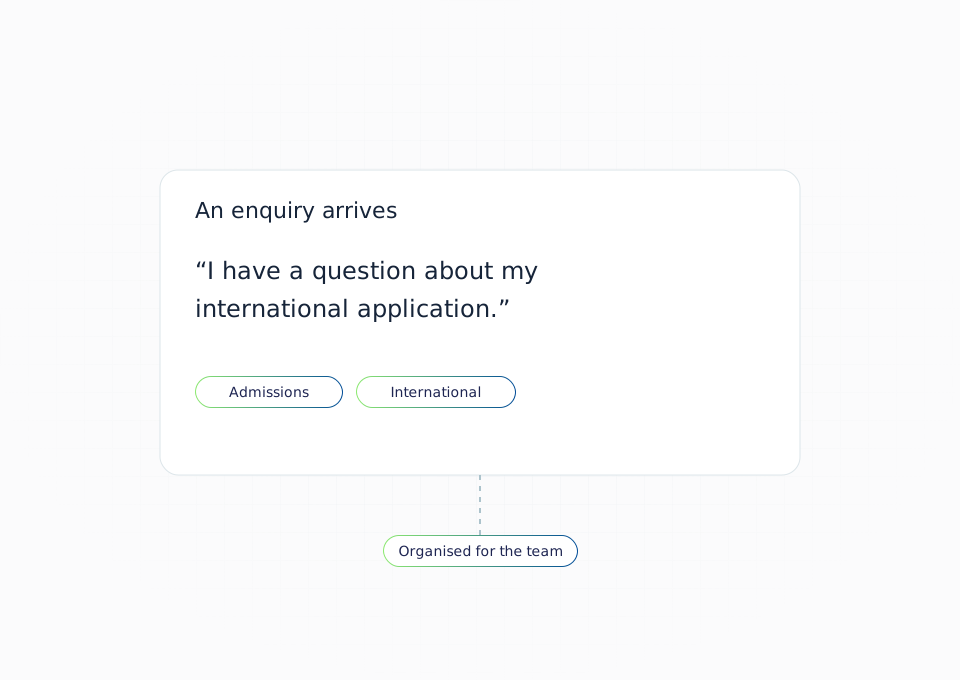
Automated Tagging
AI automatically categorizes conversations for better reporting and insights.
Questions smart folks like you asked about our Shared Inbox
If we were in your shoes, these are the questions we'd ask.
Empowering Every Department
Our Shared Inbox transforms how teams across your institution manage student communications.
Admissions
Manage inquiries from multiple channels while maintaining consistent messaging.
Financial Aid
Handle sensitive financial communications with appropriate access controls.
Student Services
Provide efficient support with full context of student needs and history.
International Office
Support global students across time zones with mobile access and team collaboration.